Tasky
Apr 2026
The built-in Reminders widget on iOS shows your top three tasks. If you have more than that (and you do), the rest just don't exist as far as your home screen is concerned.
Tasky is a widget I built to fix that. It reads from Reminders, sorts by priority, and displays as many tasks as the widget size allows.
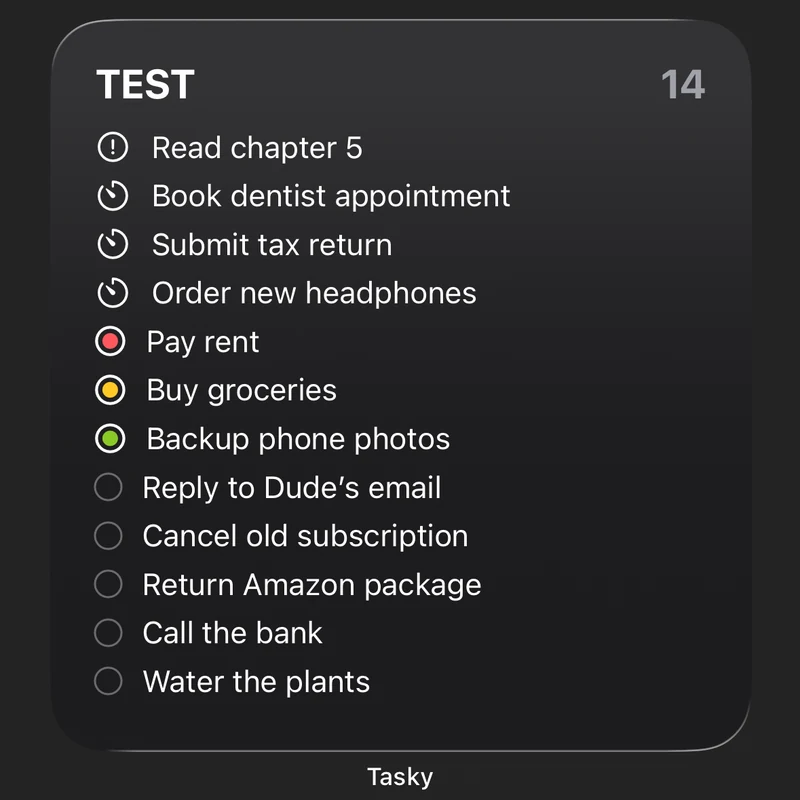
The priority system uses traffic lights, showing urgent, flagged, priority and more.
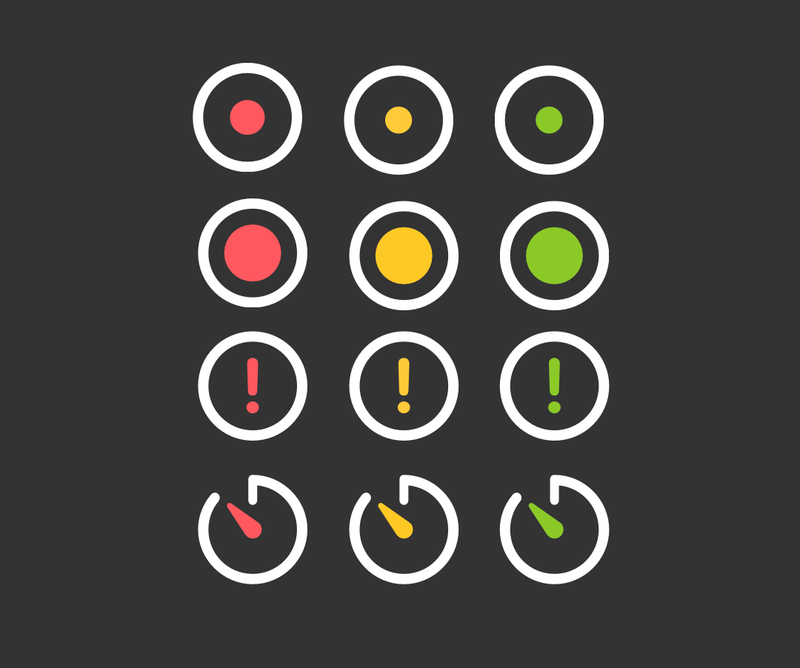
Fun fact: designing the icons took longer than the widget itself. The goal was something that reads clearly at small sizes. Below is the exploration I went through before settling on the final design.
It's built with WidgetKit and reads directly from the Reminders database via EventKit. The refresh rate is whatever iOS decides, which isn't always what you'd want. But it does the job.
If you tap the icon, it marks the task as completed. To revert, press the task counter in the top right.